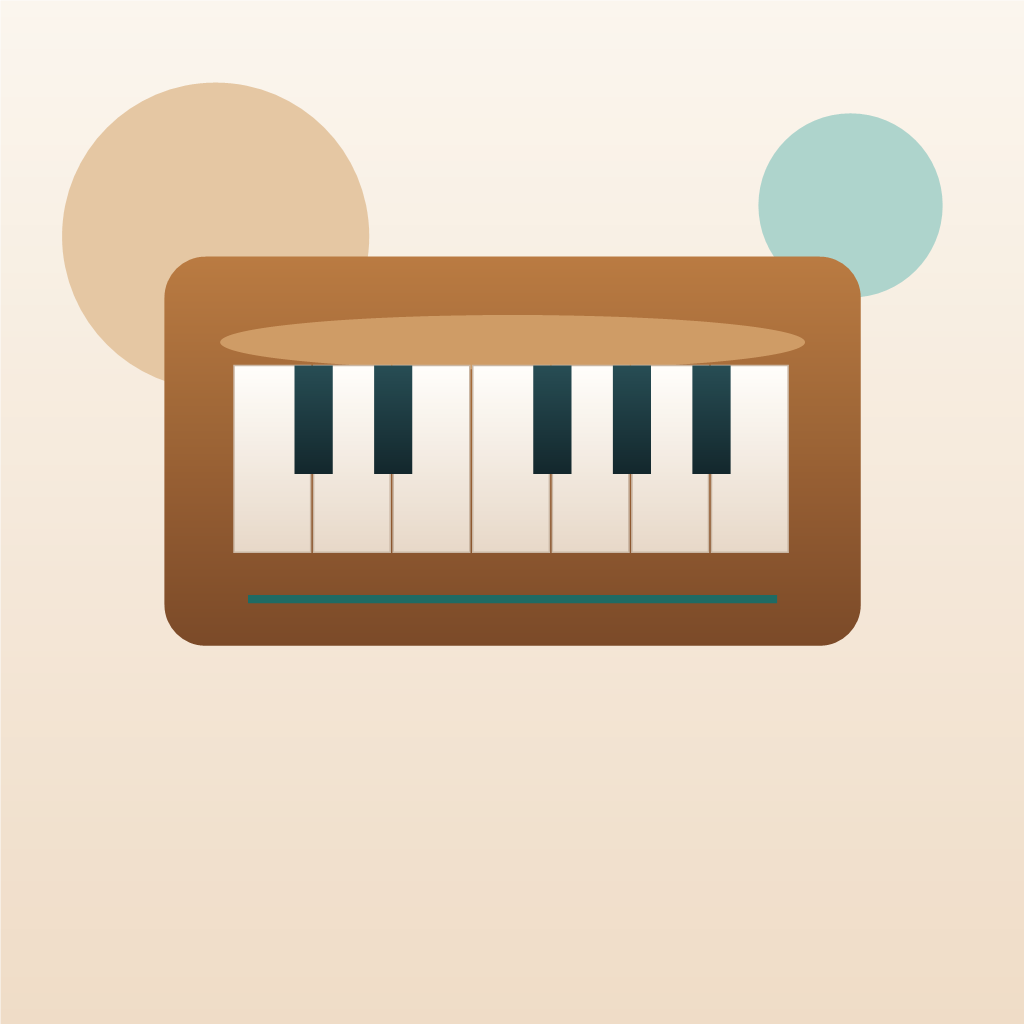
When beginners open a Web Harmonium page, the first challenge is usually not sound. It is orientation.
Which keys are the main notes? Where do the black keys fit? How do Sargam names relate to western notes?
This guide helps answer those questions in a way that works for Web Harmonium practice and faster note recognition.
White Keys and Black Keys
On a browser harmonium layout, white keys usually represent the core natural notes, while black keys represent the sharpened or flattened notes between them.
A simple pattern looks like this:
- White keys: C, D, E, F, G, A, B
- Black keys: C#, D#, F#, G#, A#
In many online layouts, these notes repeat into the next octave so users can practice ascending and descending patterns without moving to a new page.
Western Notes and Sargam
Many harmonium learners think in one of two notation systems:
- Western note names: C, D, E, F, G, A, B
- Sargam names: Sa, Re, Ga, Ma, Pa, Dha, Ni
An online harmonium becomes much more useful when it lets users switch between both. That single toggle reduces confusion for beginners and makes the tool work for a wider audience.
Suggested Beginner Mapping
If you are learning with a simple browser keyboard layout, start by memorizing the main notes first:
- Find the middle white key range on the screen.
- Play the notes in order from left to right.
- Say the labels out loud while you play them.
- Repeat with the alternate notation system visible.
This method helps connect visual position, finger movement, and note naming at the same time.
Why This Matters for Online Practice
A physical harmonium gives you touch feedback and repeated exposure. A browser tool has to work harder to make the layout clear.
That is why these design choices matter:
- Key labels should be readable on first glance.
- Black keys should stand out visually.
- Octave position should be easy to understand.
- The active key state should be obvious while you play.
Good layout design is not just aesthetic. It directly improves learning speed.
Best Way To Practice Note Recognition
Try this five-minute routine:
- Play only white keys from left to right.
- Repeat while speaking the note names.
- Switch to Sargam labels and repeat.
- Add black keys only after the white-key pattern feels comfortable.
- Finish by going backward from the highest visible note.
This is simple, but it works well for learners using an online harmonium for quick daily repetition.
Final Thought
The best harmonium keyboard guide is one that reduces hesitation. If learners understand where notes live and how the labels map, they can spend less time decoding the interface and more time practicing.